
My Town : Daycare
My Town Games LtdEducational
4.1287.00 Reviews
- Version
- 7.03.09
- Installs
- 100.00K
- Age Rating
- Everyone
Screenshots
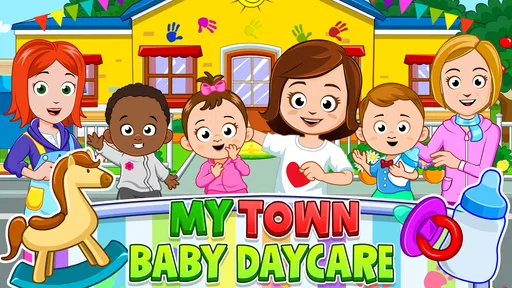
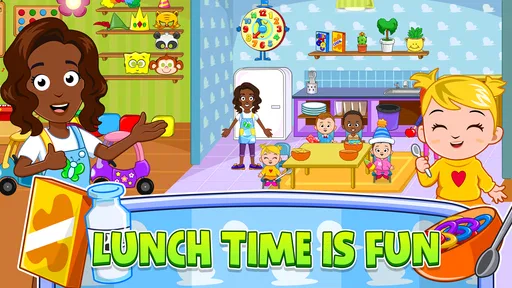
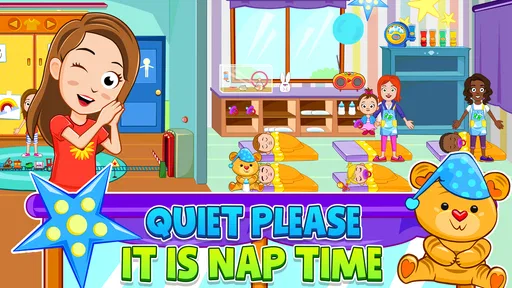
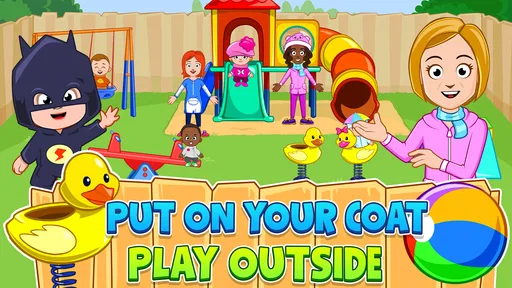
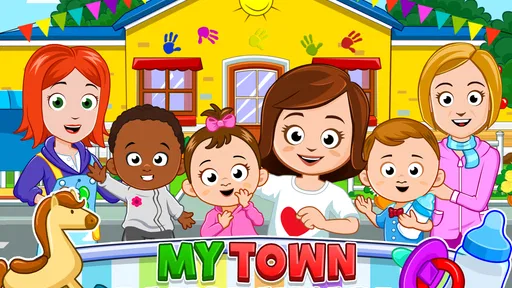
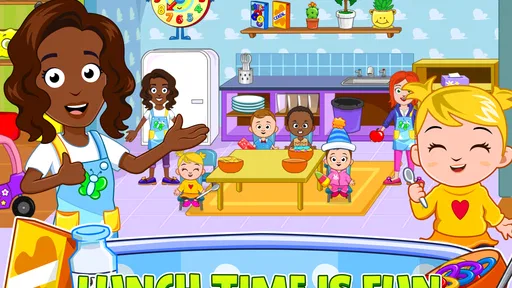
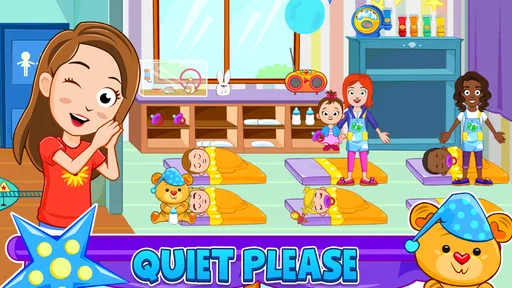
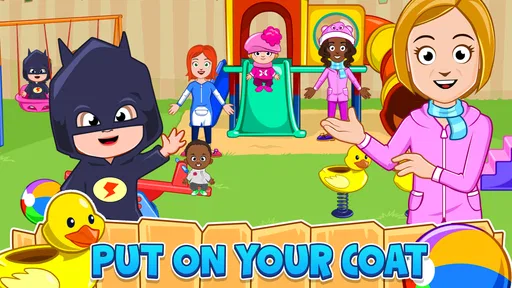
Our Review of My Town : Daycare
 Analysis by Appyee
When I tested My Town : Daycare, I approached it less like a traditional game with goals to complete and more like a small digital playroom. The appeal is immediate: children can invent situations, move characters around a daycare setting, and decide what happens next. There is no pressure to win in the usual sense, which makes it especially suitable for quiet creative play on a shared household device.
That freedom is also the key to understanding the game. It is an educational title from My Town Games Ltd, but it does not teach through worksheets, quizzes, or a clearly defined lesson path. Instead, learning comes through pretend play, arranging scenes, choosing roles, and telling stories. I found that distinction important because parents looking for structured early-learning exercises may expect something different, while families wanting imaginative play may find the format much more natural.
How the daycare setting works for shared household play
The most convincing use case is a child playing beside a parent, sibling, or caregiver for a short period. One person can suggest a simple situation—getting the children ready, organizing a room, looking after a baby, or preparing a pretend activity—while the player decides how the scene unfolds. The game becomes a starting point for conversation rather than an activity that demands constant adult instruction.
In my experience, this works best when the adult does not take over the screen. Asking questions such as “Who needs help first?” or “What should happen after snack time?” gives the child room to make decisions. The daycare theme naturally supports these prompts because it includes familiar routines and social roles. A child can imitate what they have seen at preschool or invent a completely different version.
For a household with one tablet or phone shared among several children, the open-ended design has a practical advantage: players do not need to follow the same path. One child may focus on arranging characters and objects, while another creates a dramatic story. That makes it easier to pass the device between siblings without turning the session into a competition over progress.
There is a trade-off, though. Because the experience is built around imagination, a child who prefers clear objectives, levels, rewards, or fast action may lose interest. This is not the right choice if you want a game that automatically explains what to do next or measures improvement. I would place it closer to digital dollhouse play than to a conventional educational course.
One realistic afternoon scenario
Imagine a child waiting while a caregiver finishes preparing dinner. A short session could begin with setting up the daycare, placing characters in different areas, and inventing a problem: one child is tired, another wants to play, and someone needs help. The player can then act out a solution, change the roles, and replay the situation differently. Even without an adult sitting beside the device, the child is practicing sequencing, role-play, and simple social reasoning.
That scenario also shows why the game can work well in short bursts. There is no need to complete a campaign before putting the device away. A family can agree on a stopping point—after one story, one room arrangement, or one pretend routine—and return later without making the session feel unfinished. For shared use, that is more convenient than a game where one player’s progress determines what everyone else can access.
I would still recommend agreeing on turns before handing over the device. The game’s creative freedom may encourage children to keep adding to a scene, so siblings can easily disagree about who controls the characters. The solution is not a special game setting; it is a simple household rule. Taking turns by story or by timer keeps the experience cooperative and avoids one player becoming the permanent director.
What children can learn through play
The educational value is informal but meaningful. Children can practice naming actions, describing relationships, and building a sequence of events. When a player decides that a character is hungry, chooses what happens next, and explains the result, they are using language and cause-and-effect thinking without being presented with a lesson.
Role-play can also support emotional discussion. A parent might ask why a character is upset or what could make the daycare feel calmer. Those conversations are created by the person playing, not delivered as scripted teaching content. That is a strength for families who prefer to connect play with everyday experiences, but it also means the learning quality depends heavily on how the child uses the game.
I found the game more useful as a prompt for shared storytelling than as a standalone educational tool. If a child plays silently and repeats the same arrangement, the developmental benefit may be limited. If an adult occasionally joins in with questions, or if siblings negotiate roles, the same setting can encourage communication and cooperation.
Boundaries, age context, and everyday coordination
I found it helpful to set expectations around both the game’s open-ended play and the family’s device rules before a child begins. A clear turn-taking plan can keep shared sessions fair, while an adult-managed approach to purchases prevents surprises; with those boundaries in place, the next question is how comfortably the game fits into everyday routines.
Setting expectations before the first session
The game is rated Everyone, which fits its child-friendly daycare theme. That rating should not be confused with a promise that every child will use it independently in the same way. Younger players may need help understanding the controls or deciding what to do, while older children may appreciate the freedom but quickly notice that there is no deep challenge.
I would introduce it by explaining that it is a pretend-play space rather than a task-based game. That one sentence prevents a common disappointment: children who expect a clear mission may assume something is missing when the game leaves the next move open. Once they understand that they are creating the activity, the lack of instructions becomes part of the fun.
For a shared device, I would also establish boundaries around purchases and access before play begins. The game costs $4.49, and in-app items are listed at $0.99 per item. Since children may use a parent’s phone or tablet, adults should handle store decisions and make clear whether additional content is allowed. This is especially important when several children share one device and may have different ideas about what should be added.
I would not treat the price as a complete measure of value. The initial cost may feel reasonable for a focused pretend-play setting, but families should decide whether the children will return to the same open-ended format. A child who enjoys role-play can get repeated use from it; a child who needs constant novelty may find the experience less compelling after the first exploration.
Device compatibility and practical setup
The current version is 7.03.09, and the game requires Android 8.0 or later. Before installing it on an older household phone or tablet, I would check the operating system rather than assume that any Android device will run it. This matters more with hand-me-down devices, which are often used for children but may not receive recent system updates.
Because this is a shared-use game, I would install it on the device that is easiest for the family to supervise and pass around. A larger screen can make collaborative storytelling more comfortable, while a phone is more convenient for short solo sessions. The best choice depends on whether the child is playing alone or whether an adult and sibling will be looking at the screen together.
I also recommend setting up a consistent storage place for the device and deciding when it can be used. That may sound unrelated to the game itself, but open-ended play can stretch longer than expected because there is no natural “game over” moment. A simple routine—play after homework, before dinner, or during a waiting period—helps keep the activity enjoyable rather than turning it into an argument.
Coordinating multiple children
The daycare theme provides useful opportunities for cooperative play, but it does not automatically solve disputes between siblings. One child may want to control every character, while another wants to rearrange the setting. I found that assigning temporary roles works better than trying to let everyone do everything at once. For example, one player can direct the story while another chooses where characters go, then they switch for the next scene.
A second helpful approach is to let each child create a separate short scenario instead of forcing one long shared story. This reduces arguments about whose idea is correct. It also gives quieter children a defined chance to lead. Afterward, the family can compare the two stories and talk about how the same daycare setting produced different outcomes.
For adults, the main coordination question is whether the game will be used as independent entertainment or as a conversation starter. If the household needs a child to stay occupied without assistance, it may work for a while, but I would not rely on it as a fully structured activity. Its strongest moments come when the child has freedom and someone nearby is willing to respond to the story.
Account boundaries deserve similar attention. I would keep purchasing decisions with the adult who manages the device and avoid letting children use a shared store account without supervision. The game can be part of a family library, but the household should decide who is allowed to install, buy, or change anything around it. Those rules are more important than the game’s simple controls because the device may contain other personal information or purchases.
Who should choose it, and who should skip it?
I would recommend it to families looking for imaginative play with a daycare theme, especially when a child enjoys dolls, small-world storytelling, and acting out familiar routines. It is also a good fit for adults who want an easy way to discuss feelings, cooperation, and daily care without turning the conversation into a formal lesson.
I would be more cautious for children who become frustrated without instructions. A puzzle game, phonics app, or early-learning program with explicit activities would be a better alternative when the goal is practicing a specific academic skill. Likewise, children who mainly want competition, quick reactions, or a sense of progression may prefer an action-oriented game designed around challenges.
Compared with a physical dollhouse, this title is easier to reset and can provide a compact setting on a phone or tablet. Compared with a structured educational app, it offers more freedom but less measurable direction. Compared with a general sandbox game, the daycare focus makes pretend routines easier to begin, although it may feel narrower to children who want building, exploration, or broader worlds.
My household verdict
After spending time with it, I see My Town : Daycare as a gentle creative game rather than a teaching program in the conventional sense. Its value comes from what the player invents: the characters, the routines, the small conflicts, and the solutions. That makes it pleasantly flexible for shared household play, but it also places responsibility on adults to choose suitable boundaries and expectations.
The game has attracted over 100 thousand installs and holds a 4.1 average from around 5.3 thousand ratings, which suggests that its simple imaginative format has found an audience. I would not use those figures as a substitute for judging your child’s personality, though. The deciding question is whether the child enjoys creating stories without being rewarded with levels or instructed through a fixed sequence.
My strongest practical tip is to treat each session as a small storytelling activity. Give children a turn to lead, ask one or two questions, and stop after a complete mini-story rather than waiting for the game to signal an ending. That approach brings out more of the daycare setting and makes the game easier to share between siblings.
I would also keep purchase permissions with an adult, check that the family device meets the Android requirement, and explain the open-ended format before handing it over. Those small preparations remove most of the friction I would expect in a household setting. They also make it clearer whether the game is being used for independent play, cooperative play, or a few minutes of imaginative downtime.
Overall, I think it is worth considering for a child who likes pretend play and for families comfortable with a game that does not tell them exactly what to do. I would skip it when the priority is formal instruction, strong progression, or competitive challenge. For the right player, however, the daycare setting is an inviting canvas, and its best feature is the space it leaves for a child’s own ideas.
Verdict
Strengths of My Town : Daycare
- Bright, child-friendly visuals make the daycare easy to explore.
- Many characters and objects encourage imaginative role-play.
- Simple tap-and-drag controls are suitable for younger players.
- Open-ended activities allow children to create their own stories.
- Offline play makes it convenient for travel or areas with limited internet.
Limitations of My Town : Daycare
- Some areas and items may require additional purchases to unlock.
- The lack of clear goals may feel repetitive for older children.
- Frequent object interactions can become confusing on smaller screens.
- Limited educational guidance reduces its value as a structured learning app.
- Performance may vary on older devices with slower loading or occasional lag.
Other Releases by My Town Games Ltd
View All
My Town Home: Family Playhouse
Educational4.3

My Town : Beach Picnic
Educational4.0

My Little Princess : Wizard
Educational3.7

My Town : Hospital
Educational4.2
Similar Picks in This Category
View All
Little Panda Policeman
BabyBus4.0

Monster Trucks Game for Kids 2
Raz Games4.1

Little Panda's Chinese Recipes
BabyBus4.4

Little Panda's Restaurant
BabyBus4.4

Little Panda's Ice Cream Games
BabyBus4.3

Baby Panda Care
BabyBus3.8
Frequently Asked Questions
What is My Town: Daycare about?
My Town: Daycare is a child-friendly digital playhouse where players can create their own stories around a daycare center. You can care for babies, prepare food, change outfits, explore different rooms, and interact with many objects and characters. There is no fixed storyline, so the experience is based on imaginative, open-ended play rather than winning levels or completing difficult missions.
Is My Town: Daycare suitable for young children?
The game is designed primarily for children who enjoy pretend play, role-playing, and creative storytelling. Its colorful visuals, simple touch controls, and lack of complicated objectives make it accessible to younger players, although parents should still check the recommended age rating for their device. Younger children may benefit from adult guidance, especially when managing purchases or exploring advertisements and external links.
Can children play My Town: Daycare without an internet connection?
Many of the daycare activities can generally be enjoyed after the game has been installed, but certain features may depend on an internet connection. Updates, advertising content, optional purchases, and links to other My Town products may not work offline. For the most reliable experience, it is best to launch the app once while connected, then test the available rooms and activities before giving the device to a child offline.
Does My Town: Daycare include in-app purchases or advertisements?
Parents should review the store listing and the device’s purchase settings before installation because availability of advertisements and optional in-app purchases can vary by platform, region, and version. Some content may be offered through paid expansions or related My Town titles. To avoid accidental purchases, enable parental controls, require authentication for payments, and supervise children when they are using the application.
What devices are compatible with My Town: Daycare?
My Town: Daycare is released for mobile devices running supported versions of Android and iOS, but compatibility can change as the game receives updates. Before downloading, check the official Google Play or App Store listing for the current operating-system requirement, storage space, and device information. Older phones and tablets may install the game but could experience slower loading, reduced performance, or occasional crashes.
Play our best games!


